Getting started
Introduction
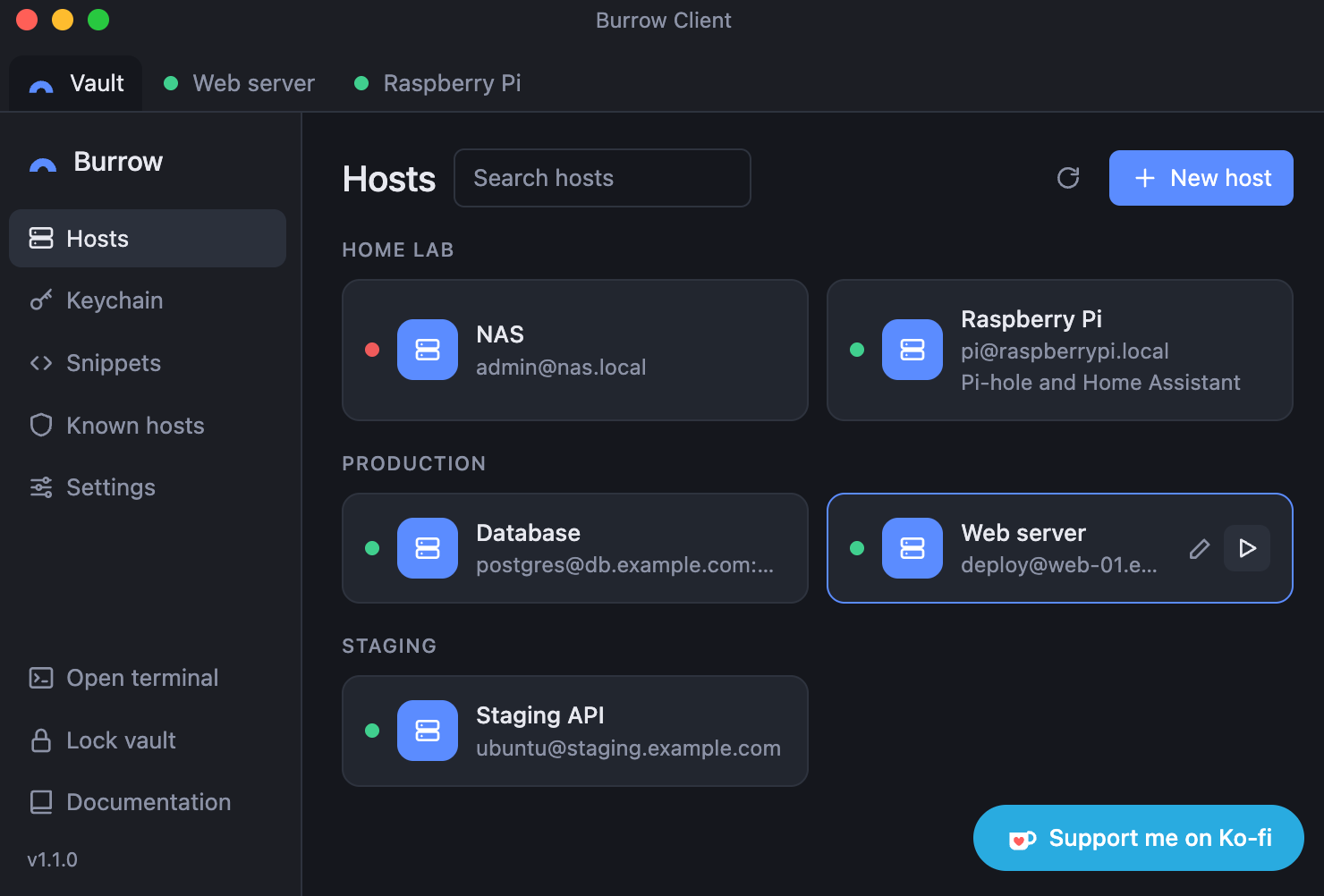
Burrow Client is a local-first SSH client for macOS and Linux. Your hosts, keys and passwords stay on your own machine.
On this page
What Burrow is
No account, no telemetry, no cloud
There is no account to create. You set a master password and start. Nothing phones home. Burrow has no analytics and no telemetry. There is no cloud. Sync only happens through a server you run yourself, and it’s off by default.
Features
Terminal tabs with split panes, side by side or stacked. See Terminal and tabs. Local shell tabs next to your SSH sessions. Snippets: save a command once and send it to a terminal, in every session or only on the hosts you pick. See Snippets. Hosts with groups, search, notes and an optional status dot that shows whether a host is reachable. See Hosts. SSH keys: generate Ed25519 or RSA 4096 keys, or import the ones you have. See Keychain. Known hosts: you confirm a server’s fingerprint on the first connection, and a changed key stops the connection until you decide. See Known hosts. SFTP browser with drag and drop upload, download, rename, delete and new folders. See SFTP file browser. Auto-lock after idle time, on sleep and when the screen locks. See Settings and security. Screenshot blocking, which hides the window from screenshots and screen recordings on macOS. End-to-end encrypted sync through a server you run. See Sync between devices. Updates you check for from Settings. See Updates.
Platforms and license
Where to go next
Installation: download Burrow for macOS or Linux, or build it yourself. Quick start: set a master password, add a host and connect. Security: how your data is protected, and where the limits are.