Privacy
- Nothing leaves your machine unless you set up sync.
- There is no account to make, and nothing phones home.
0accounts
0analytics
0telemetry
A local-first SSH client for macOS and Linux.
No account, no telemetry, no cloud unless you run it yourself.
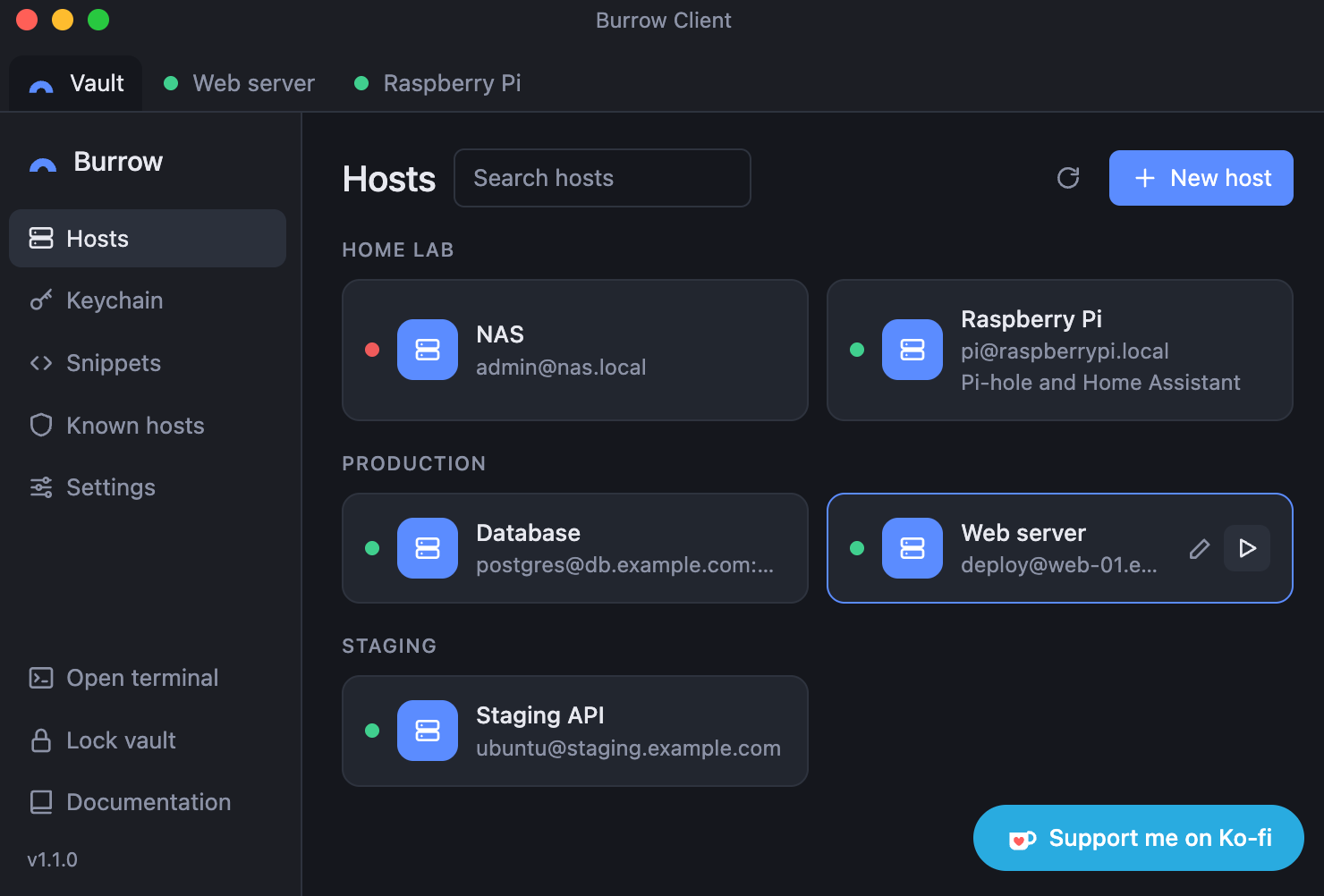
Burrow keeps your hosts, keys and passwords on your own machine. Secrets sit in an encrypted vault that only opens with your master password. If you use more than one computer, you can host a small sync server yourself, and it only ever stores data it can’t read.
Split side by side or stacked, and open local shell tabs right next to your sessions.
Groups, search and notes, plus an optional dot that tells you whether a host is reachable.
Passwords, keys and passphrases are encrypted with scrypt and AES-256-GCM.
Generate Ed25519 or RSA 4096 keys, or import the ones you already have.
Confirm the fingerprint on first connect, and get a warning when a server key changes.
Drag and drop to upload, then download, rename, delete or make new folders.
Save the commands you keep typing and send them to any terminal, globally or per host.
The vault locks after idle time, when your machine goes to sleep and when the screen locks.
On macOS the window is hidden from screenshots and screen recordings.
Optional and end-to-end encrypted. You run the server, and it can’t read your data.
To be honest about it: Burrow has not been independently audited, and the builds are not code signed.
Read the full security overviewPick your system under the button and the newest release comes straight from GitHub. Then follow the steps for it.
The Download button gets you the AppImage. Make it executable, then run it:
chmod +x burrowclient.appimage
./burrowclient.appimage
Sync is optional. The server is a single Node.js file with no dependencies. It runs in Docker behind your existing reverse proxy and only stores encrypted data.
Set up your own sync serverBurrow is MIT licensed. Bug reports and pull requests are welcome on GitHub.
Found a security issue? Please report it privately through my contact form, not as a public issue.
If it saves you some hassle, you can buy me a coffee.